Your daily work.
More connected.
Plan content, handle supported conversations and choose the growth and website tools that fit your work.
Free video downloader
Open Video Downloader in your workspace sidebar, paste a supported public video link, review the available formats and save a copy you own or have permission to use.
Keep video retrieval close to your content workflow without using a public download service.
- Requires your verified WASA workspace access. Downloaded files are private to your workspace; downloading does not publish a post or upload to Media Storage.
- Supported links and available formats vary by source. Limits: 100 MB per job including processing files, 20 minutes and up to 1080 pixels high. Files expire after 30 minutes; shared capacity limits and queues apply.
- Private, login-required, protected and DRM media are unavailable. A supported platform does not guarantee every link will download.
Publishing & scheduling
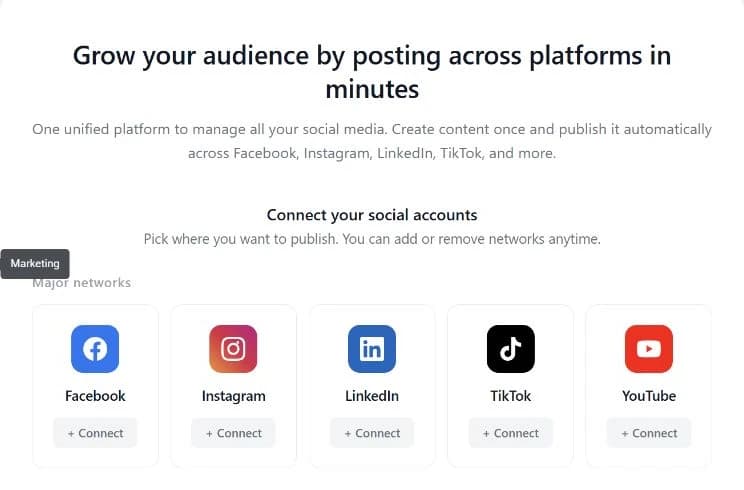
Draft a post, add your own media, choose supported connected accounts, and publish or schedule it from Social Planner.
Prepare content ahead of time and keep your publishing work together instead of moving between separate tools.
- Connect accounts you own or are authorized to manage.
- Supported formats, account types and publishing actions vary by network. Some connections require a Page or professional account.
Content calendar
View and organize your planned social content in a visual calendar. Keep drafts and scheduled publishing in the same workspace.
See what is coming up and plan your next post with more context.
- The social content calendar is separate from Growth’s appointment-booking calendar.
Supported inbox & comments
Use Conversations for supported connected customer messages. View and reply to supported public post comments in the applicable native screen.
Keep customer conversations close to your publishing work and make it easier to see what needs a reply.
- Direct messages and public comments can appear in separate screens.
- A connected network does not mean all of its message or comment actions are supported.
Analytics & reporting
Review the social and reputation reports available for your connected accounts. Social + Growth adds relevant appointment, agent, attribution and advertising reports. Complete Hub adds applicable website, commerce and custom reports where available.
Use the available results to understand your work and decide what to review next.
- Available data depends on the connected service and report.
- Advertising reports do not include advertising spend or campaign management.
Team collaboration
Add unlimited users to your workspace with no per-user subscription fees. Assign supported conversations and manage team roles. Owners and managers can review assigned conversations, scheduled content and available reports.
Keep responsibilities clearer across customer support and marketing, with a place to review work that needs attention.
- Each person uses their own account with assigned workspace permissions.
- Team access does not unlock tools outside the purchased package.
Growth tools
Capture inquiries with forms and surveys, organize contacts and opportunities, book appointments, and configure email campaigns and follow-up workflows. Use applicable documents, invoices and payment links after the required setup.
Bring lead follow-up and sales activity into the same workspace as your social work.
- Configure your sender, connections, calendar and applicable messaging consent before activating outbound follow-up.
- Connect your own payment processor before accepting payments.
Website & commerce tools
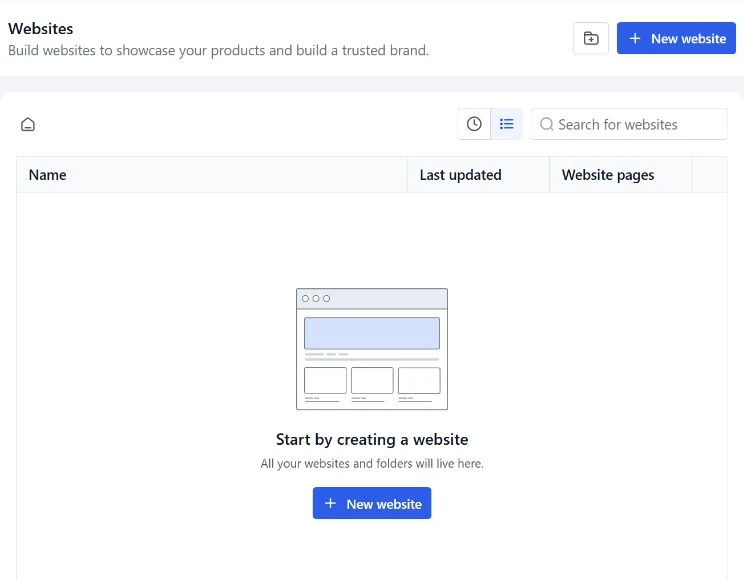
Build websites, blogs, funnels and stores. Add inquiry forms or chat, connect a domain, and use applicable payment and commerce tools after processor setup.
Give visitors a place to learn about your work, send an inquiry or buy online.
- Domain connection is included as a capability. Registration, premium hosting, paid templates and third-party services are separate.
- Review your content, connections and payment settings before publishing.
Your channels, brought together.
Publishing, messaging, comments and reporting support vary by network, account type and post format. Choose the supported actions available after connecting your account. Telegram requires its integration. WhatsApp is for business messaging and requires separate setup, subscription and usage charges.
Start with Social.
Add the tools you need.
Social Hub includes the social tools described above. Social + Growth includes Social Hub plus lead, booking and follow-up tools. Complete Hub includes both, plus website and commerce tools.
Standard LeadConnector mobile access is included in every tier. Mobile functionality can differ from web.
Read the mobile guideOne workspace. The tools you need.
Compare the three tiers, or ask us a product question before choosing.